The best notes app for AI agents

An AI agent that keeps notes for you needs more than a chat window: it has to reach your notes from wherever it runs, write to them carefully, and let you undo what it got wrong. Here are the criteria I'd use and how the options compare. I make one of them, so I've kept the criteria concrete enough to check yourself.
What an agent needs
- A remote MCP server. ChatGPT, Claude and Incredible run their agents in the cloud, so the notes app needs a server on the internet, not only on your Mac. The same server then works from Claude Code and Codex.
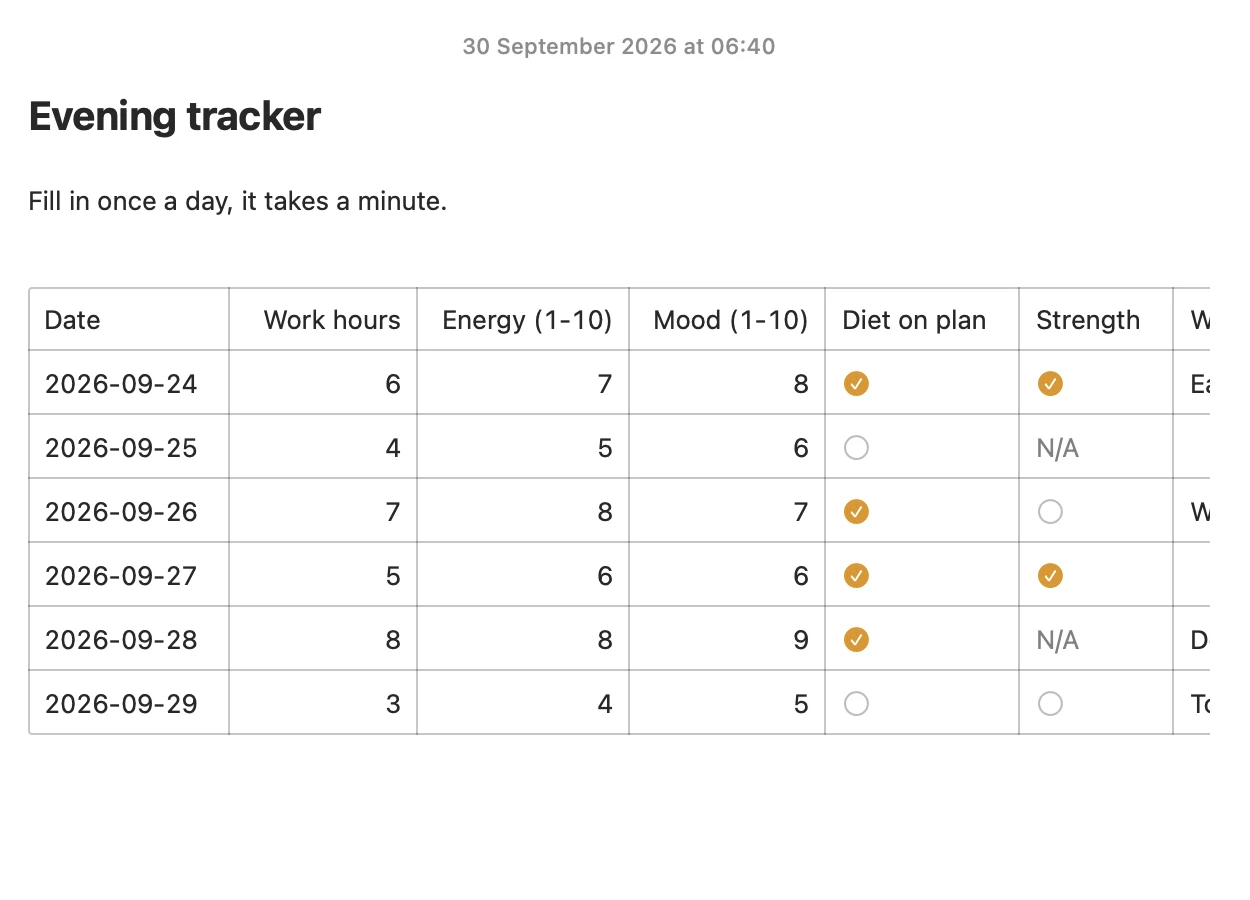
- Precise writes. Changing one line, appending to a log or ticking a checklist item, instead of rewriting the whole note. Less can go wrong, and you can see what changed.
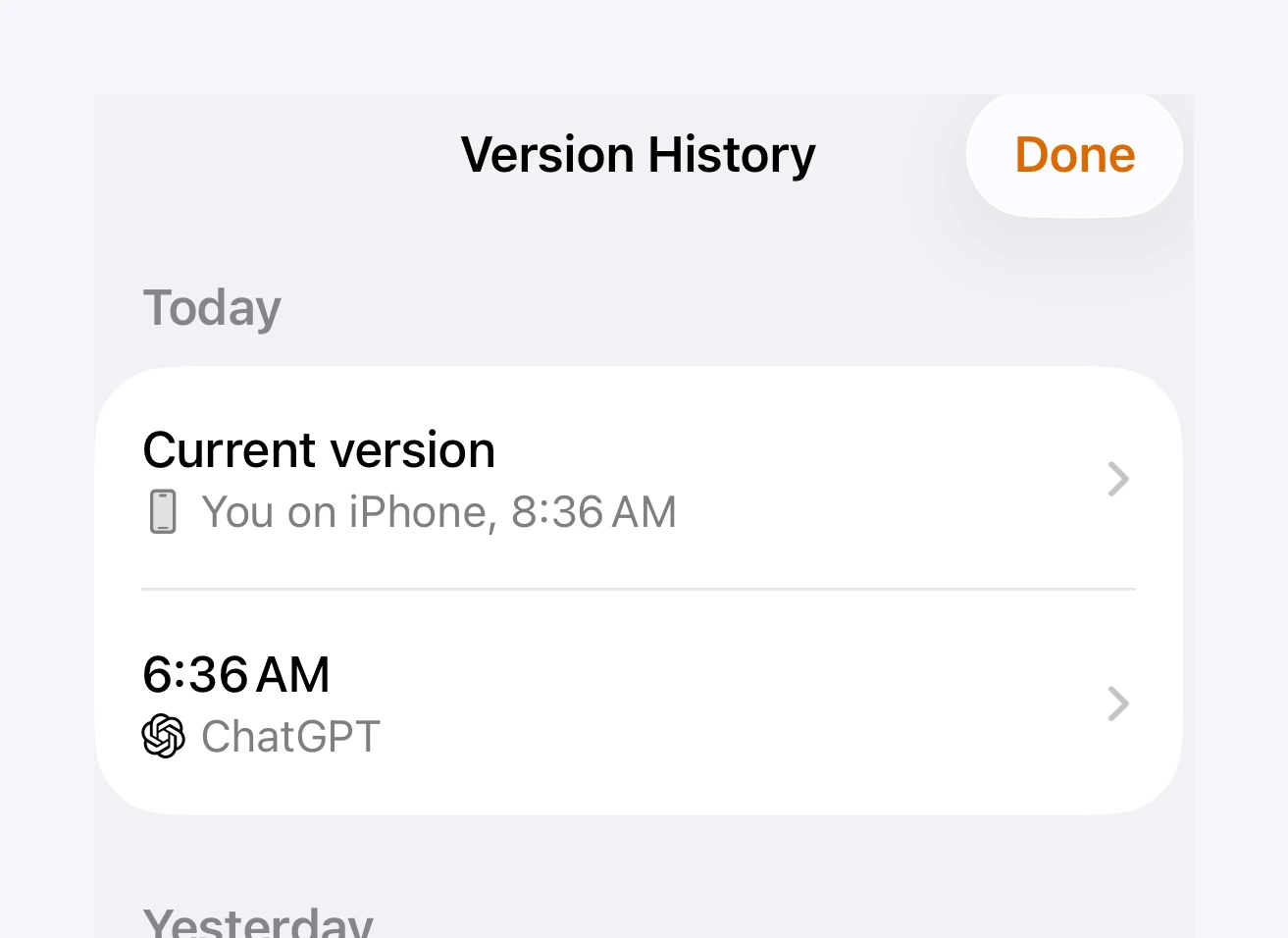
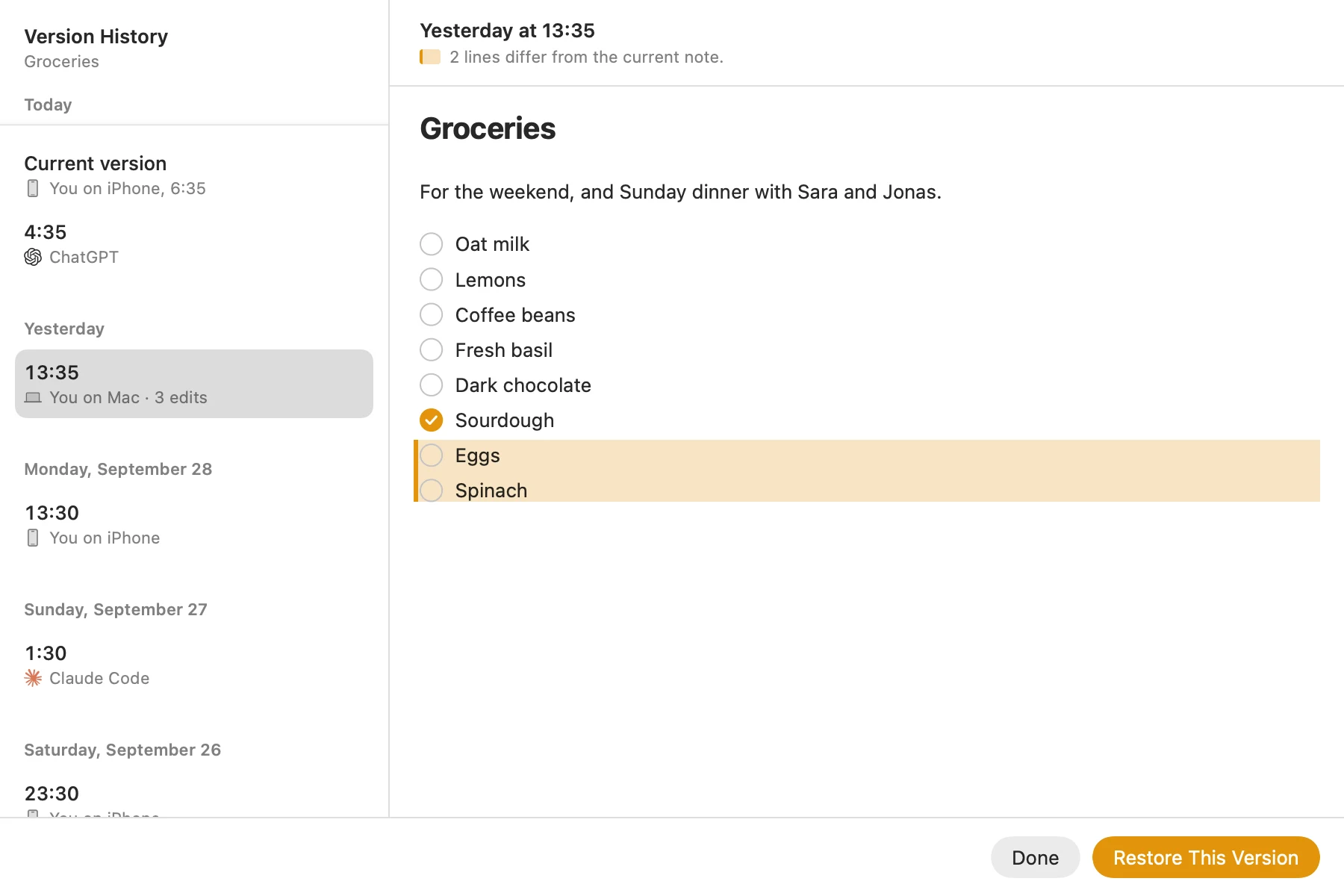
- Undo and history. Agents make mistakes. You want to see what changed and put the earlier version back.
- Approval you control. Sign-in with OAuth, a read-only option, and a way to disconnect one agent without touching the others.
- Somewhere to read the results. The point of an agent writing notes is reading them later, usually on your phone.
How the options compare
| App | Remote MCP | What the agent can write | Undo and history | Approval | Where you read |
|---|---|---|---|---|---|
| Amber Notes | Yes, built in | Line edits, appends, checklist ticks, table rows | Undo, and every version kept | OAuth plus Allow in the app; read only or read and edit | Mac; iPhone coming soon |
| Notion | Yes, official | Pages, databases, blocks, comments | Page history (length depends on plan) | OAuth, with your workspace permissions | Web, desktop, phone |
| Evernote | Yes, official (beta) | Creates notes | Note history | OAuth | Web, desktop, phone |
| Obsidian | No; community plugins on your computer | Depends on the plugin | File recovery snapshots on that computer | Depends on the plugin | Desktop, phone |
| Bear | No; official server on your Mac | Yes | No note history | You set it up on the Mac | Mac, iPhone |
| Apple Notes | No; community servers on your Mac | Depends on the server | No note history | macOS Automation permission | Every Apple device |
More detail on each, with links to their own pages, is in notes apps with an MCP server, compared.
Where Amber Notes fits
I built Amber Notes for exactly this: a notes app that works like Apple Notes, with an MCP server made for agents. The tools are small and exact. edit_note replaces text that must match once, append_to_note adds under a heading, set_checklist_item ticks one item, and log_table_row adds a row to a tracker and checks each value against its column. Every change keeps the previous version, which the agent can list with note_history and you can restore in the app.
Where it falls short today: the iPhone app is still on its way to the App Store, and there's no web app. If your team already lives in Notion, Notion's server is the better fit.
Try it with your agent
- ChatGPT or Claude: connect it in a few minutes.
- Claude Code or Codex: one command, or a few lines of config.
- Anything else that speaks MCP, including Incredible: the server address and every tool.
Questions
What is the best notes app for AI agents?
One the agent can reach wherever it runs, that lets it make small, precise changes, and that keeps every version so you can undo a bad edit. In September 2026, Amber Notes and Notion meet all three; Evernote's server is in beta and only creates notes.
Why does a remote MCP server matter?
Agents in ChatGPT, Claude and Incredible run in the cloud. They can only reach a server on the internet, not an app on your Mac. A remote server also works from Claude Code and Codex on any computer.
Checked against the app on .