Notes apps that work with ChatGPT

More notes apps now say they work with ChatGPT, but that can mean very different things: reading the note you have open, searching all of them, or writing changes back. Here's how the main ones compare in September 2026. I make Amber Notes, so I've described the others the way their makers do.
Three levels of “works with ChatGPT”
- It can see one note. ChatGPT reads what you show it: the open window, a selection, or what you paste.
- It can search your notes. ChatGPT finds and reads notes on its own when you ask a question.
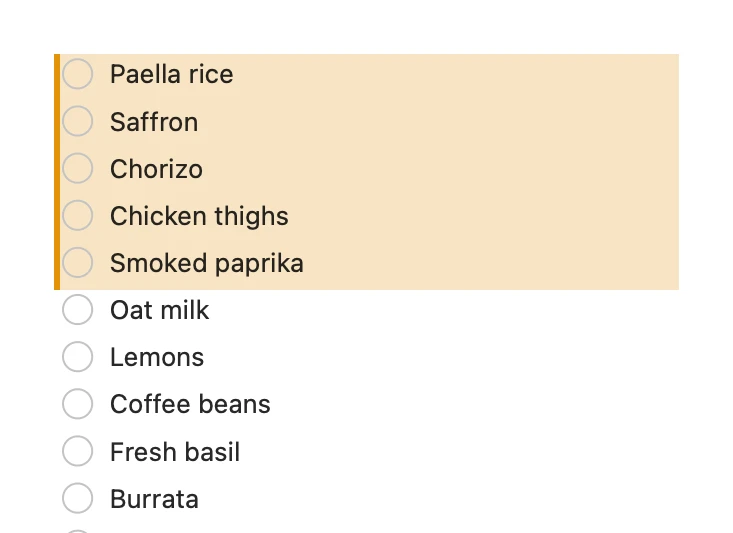
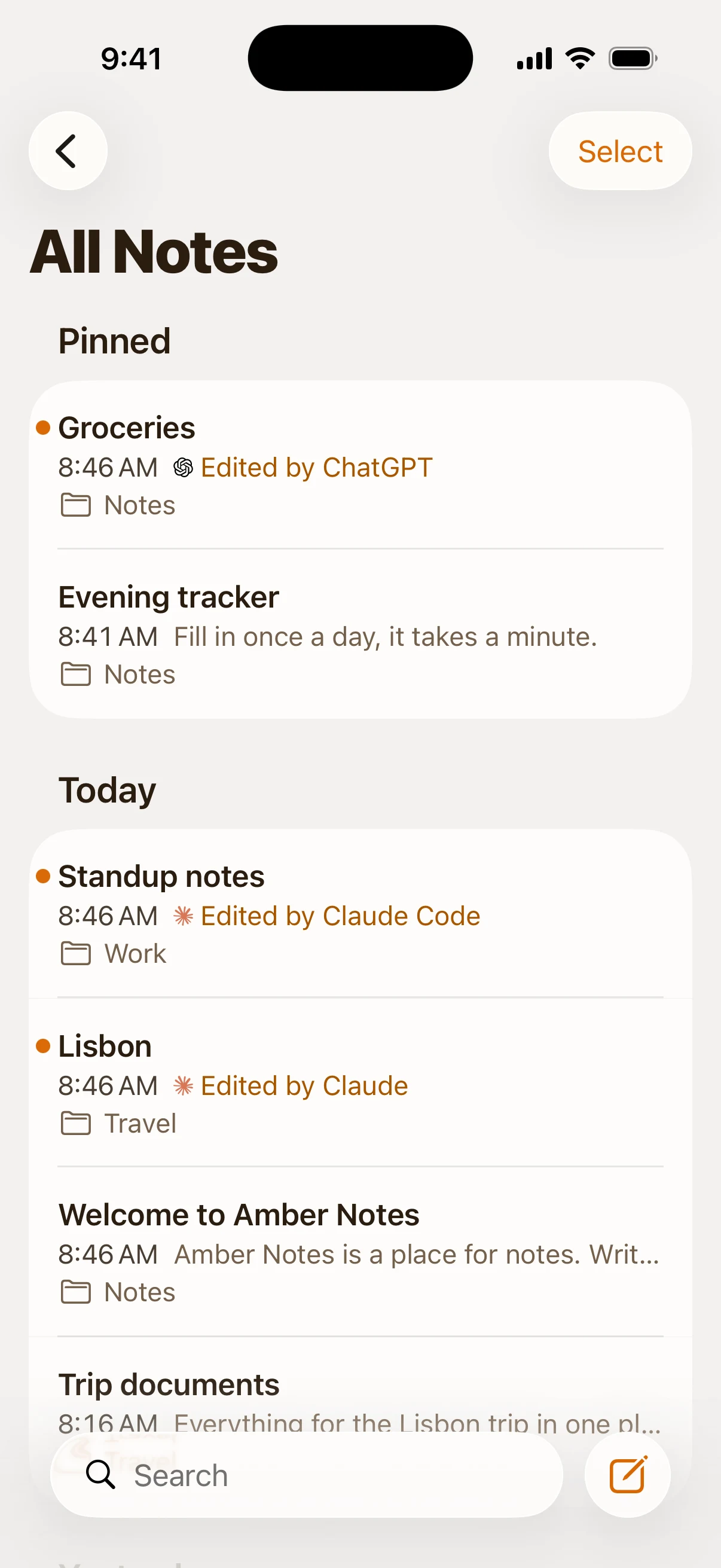
- It can write. ChatGPT creates notes or changes the ones you have, so the answer lands in your notes instead of the chat.
The third level is the useful one, and the one where you want a way to check and undo what it did.
At a glance
| App | How it connects | Searches your notes | Writes to your notes |
|---|---|---|---|
| Amber Notes | Its own MCP server, added as an app in Developer mode | Yes | Yes: create, edit, append, tick items; you approve it, and every change can be undone |
| Notion | The Notion app in ChatGPT; Notion's MCP server for read and write | Yes | Through Notion's MCP server |
| OneNote | A OneNote plugin built by OpenAI | Finds and summarizes notes | Creates or updates notes through supported actions |
| Evernote | Evernote's hosted MCP server (beta) | Yes | Creates notes |
| Hjarni | Its own MCP server | Yes | Yes |
| Apple Notes | ChatGPT for Mac can work with the note you have open | No | No |
| Google Keep | No ChatGPT app that I could find; Gemini connects to Keep | No | No |
Sources: OpenAI's help pages for OneNote and Notion, Evernote MCP and Hjarni.
How to choose
- Your notes are in Notion or OneNote already: connect that. Moving is more work than it's worth.
- You like Apple Notes and want ChatGPT to use them: Apple Notes can't do it, so the notes have to move. Amber Notes works like Apple Notes and imports them in one go on your Mac. Here's how to move.
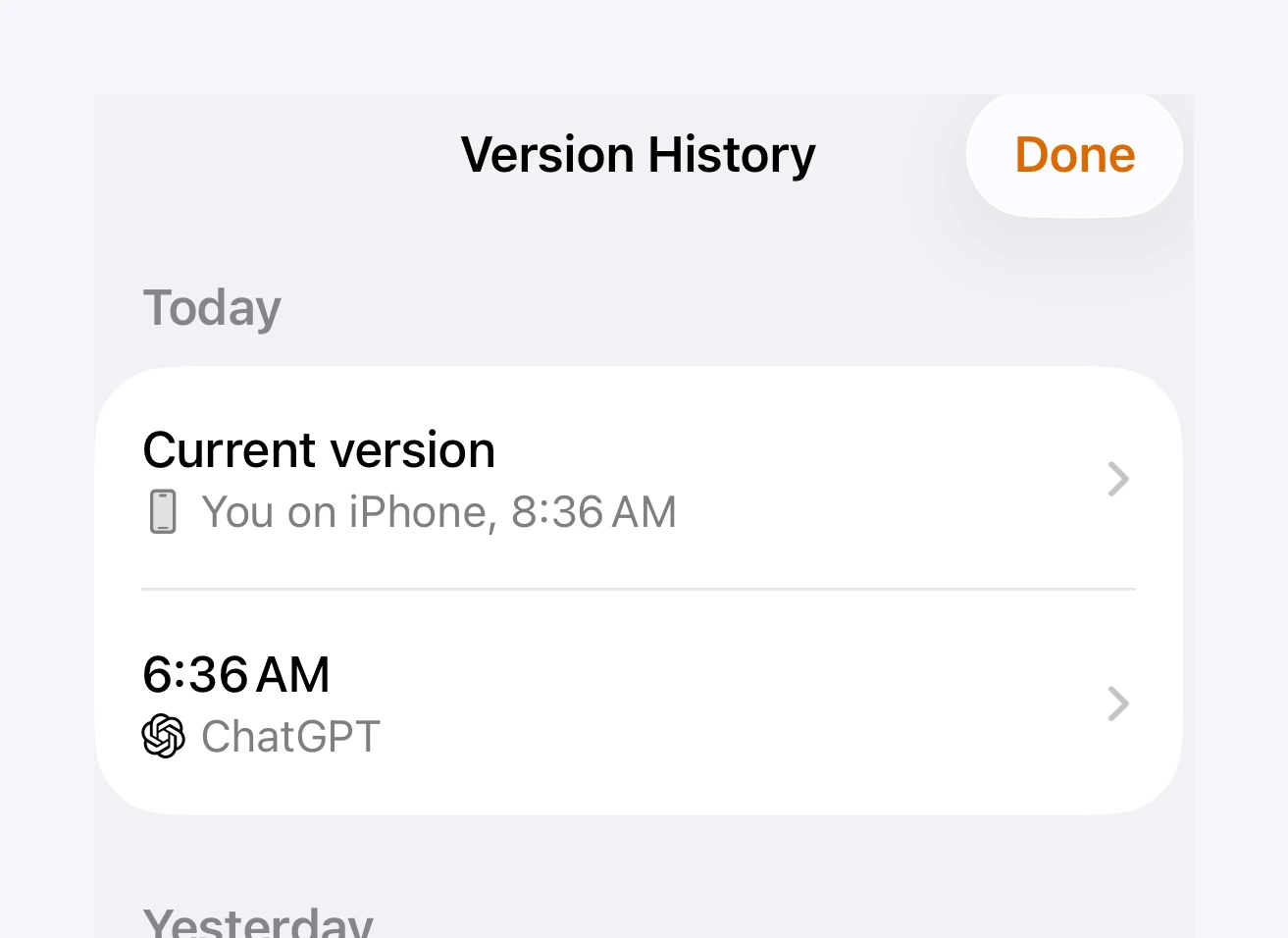
- You want ChatGPT to edit, not just read: check what happens after a bad edit. In Amber Notes you see what changed, with Undo, and every earlier version is kept.
- You use more than ChatGPT: an MCP server works with Claude, Claude Code, Codex and Incredible too. Notes apps with an MCP server, compared covers that side.
Setting it up
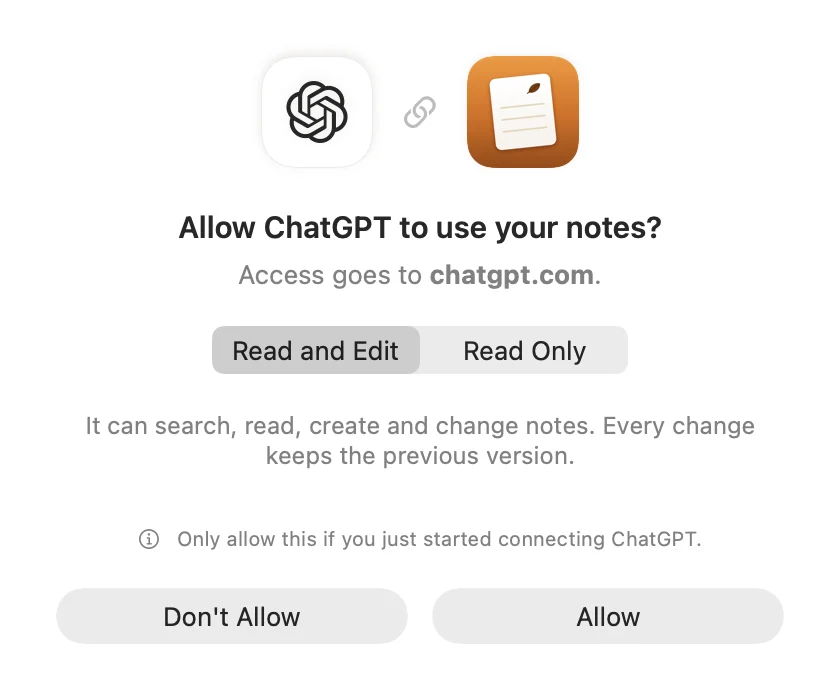
For Amber Notes, it takes a few minutes in ChatGPT on the web, and then works in the ChatGPT phone apps too. How to connect ChatGPT to your notes has every step. If you're deciding between Apple Notes and something ChatGPT can reach, Apple Notes API: what exists explains why Apple Notes stays out of reach.
Questions
Which notes app works best with ChatGPT?
For searching and editing all your notes from ChatGPT, you need an app it can connect to: Amber Notes, Notion, OneNote, Evernote and Hjarni can. Which is best depends on where your notes are today and whether you want ChatGPT to write, not just read.
Do I need a paid ChatGPT plan?
OneNote and Notion appear in ChatGPT's own list of apps; OpenAI's help pages say which plans have them. Adding any other app yourself, such as Amber Notes, Evernote's MCP server or Hjarni, needs Developer mode, which is on Plus, Pro, Business, Enterprise and Edu.
Can ChatGPT read my Apple Notes?
Only the note you have open, in the ChatGPT app on a Mac. It can't search your other notes or save changes, because Apple Notes has no API it could connect to.
Checked against the app on .