Blog, page 2
Notes on notes, AI, and building Amber Notes on my own.
- Apple Notes
How to move from Apple Notes to Amber Notes
Bring every note over in one go on your Mac, folders and pins included. Nothing in Apple Notes changes, so you can take your time. Emil Wagman
 - Guides
Use your notes from Claude Code and Codex
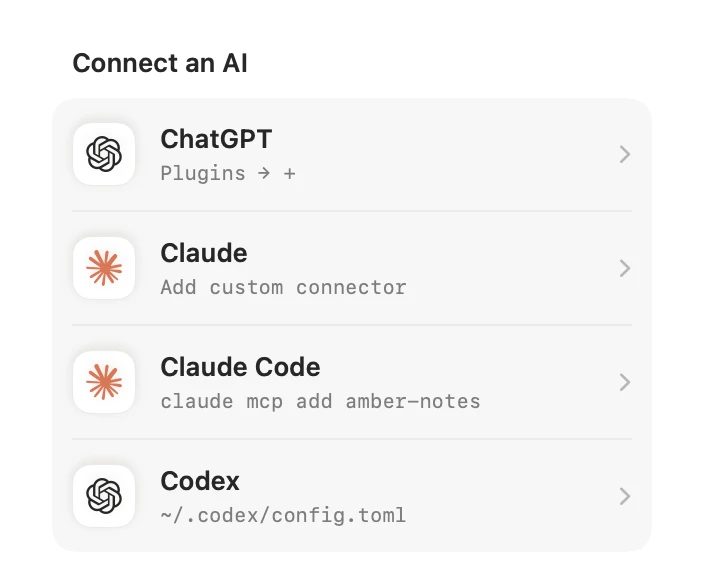
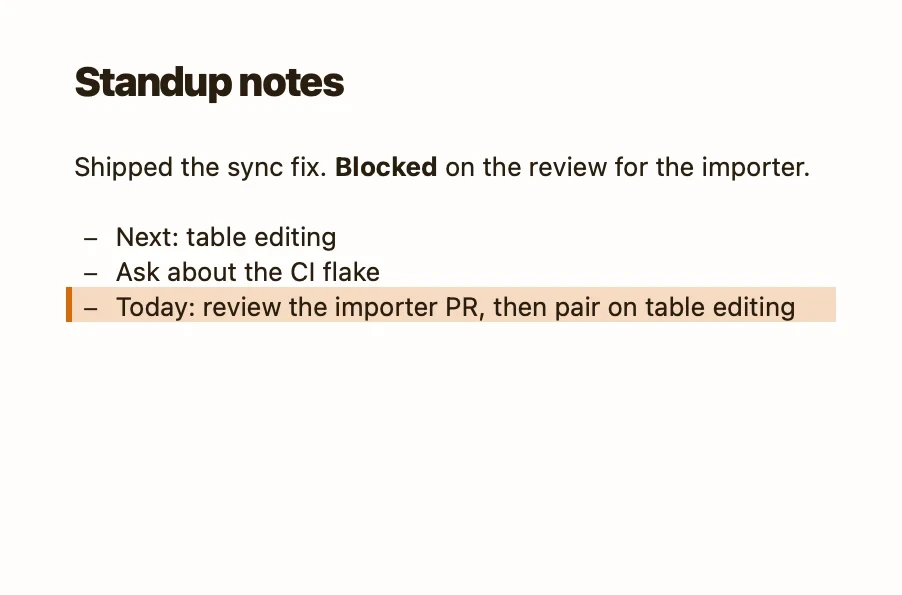
Let your coding agent write the standup or keep a work log, in the same notes you read on your phone. One command for Claude Code, a few lines for Codex.Emil Wagman - Comparisons
Amber Notes vs Apple Notes
Amber Notes is built to feel like Apple Notes, with a few things it always missed. Where they differ, including what Apple Notes still does better.Emil Wagman - Guides
The Amber Notes MCP server
For developers and curious people: the address, how an AI app signs in and gets approved, and every tool it can call.Emil Wagman - Apple Notes
Apple Notes API: what exists and what to use instead
Apple Notes has no public API. What you can do with AppleScript and Shortcuts, what you can't, and what to use when you need more.Emil Wagman - Comparisons
Notes apps that work with ChatGPT
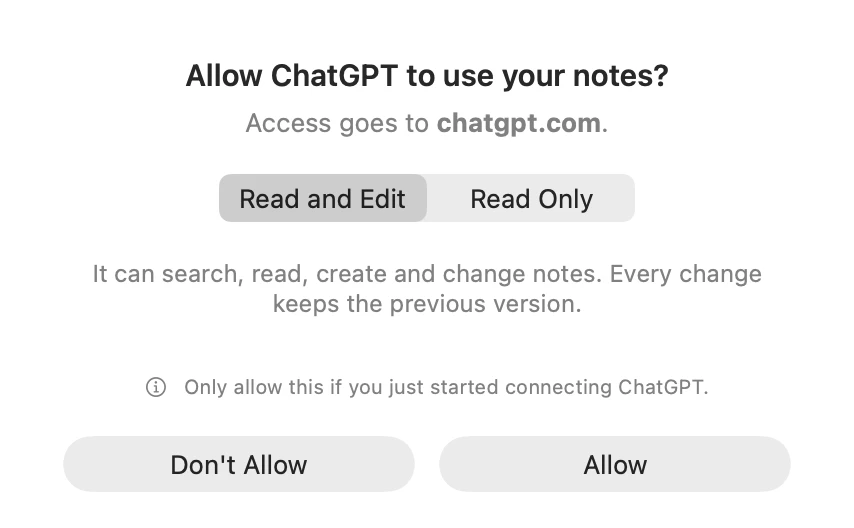
“Works with ChatGPT” can mean reading the note you have open, or searching and editing all of them. The main notes apps, compared.Emil Wagman - Comparisons
The best notes app for AI agents
Remote MCP, precise writes, undo, approval and a phone app to read the results: the criteria that matter, and how the options compare.Emil Wagman - Comparisons
Apple Notes vs Notion for everyday notes (and where AI fits)
One is where a thought goes in two seconds, the other is where a project lives. How they compare, and what changes once you want your AI to use them.Emil Wagman - Comparisons
Apple Notes vs Obsidian
Obsidian gives you markdown files and plugins; Apple Notes gives you speed and iCloud. Where each one wins, and where AI fits.Emil Wagman - Guides
How to use ChatGPT as a to-do list that syncs to your iPhone
Tell ChatGPT what needs doing and it lands in a checklist you can tick on your phone. The setup, prompts that work, and sharing a list.Emil Wagman - Guides
Keep a work log with Claude Code
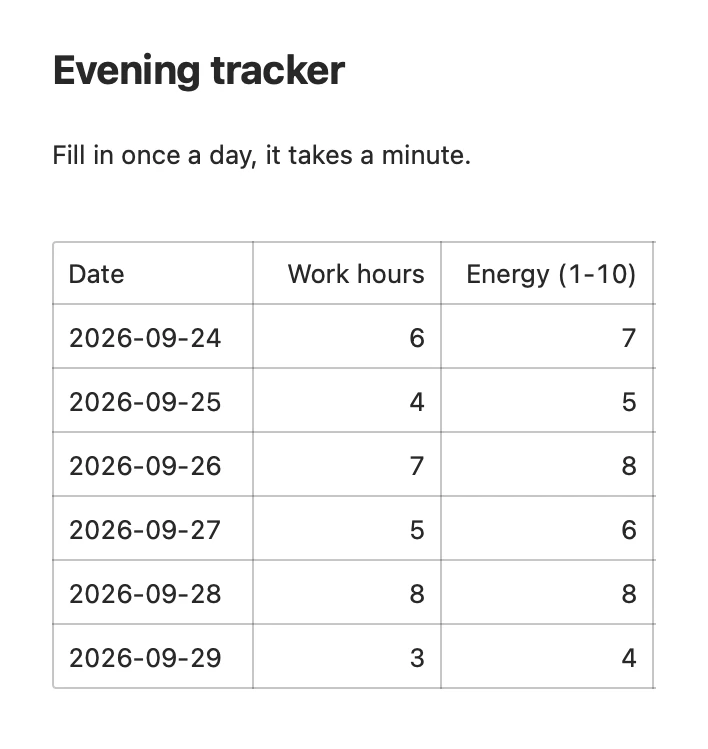
Your standup, a daily log and a tracker, written by Claude Code as you work, in notes you can read on your phone.Emil Wagman