Apple Notes vs Notion for everyday notes (and where AI fits)

I've used both for years. Apple Notes is where a thought goes in two seconds; Notion is where a project lives with its tables and team. Here's how they compare for everyday notes, and what changes once you want ChatGPT or Claude to use them.
At a glance
| Apple Notes | Notion | Amber Notes | |
|---|---|---|---|
| Best at | Quick notes, lists and scans, instantly | Structured pages and databases, shared with a team | Quick notes like Apple Notes, that your AI can use |
| Devices | Every Apple device, and iCloud.com in a browser | Web, Mac, Windows, iPhone, Android | Mac now; iPhone coming soon |
| Offline | Yes, everything | Pages you mark for offline, in the apps | Yes, everything |
| Price | Free with your Apple account | Free plan; paid plans per member | Free |
| Built-in AI | Apple Intelligence Writing Tools, on supported devices | Notion AI; full use on Business and Enterprise | None built in; you bring your own AI |
| ChatGPT and Claude can search and edit | No | Yes, through Notion's MCP server | Yes, through its MCP server, with Undo |
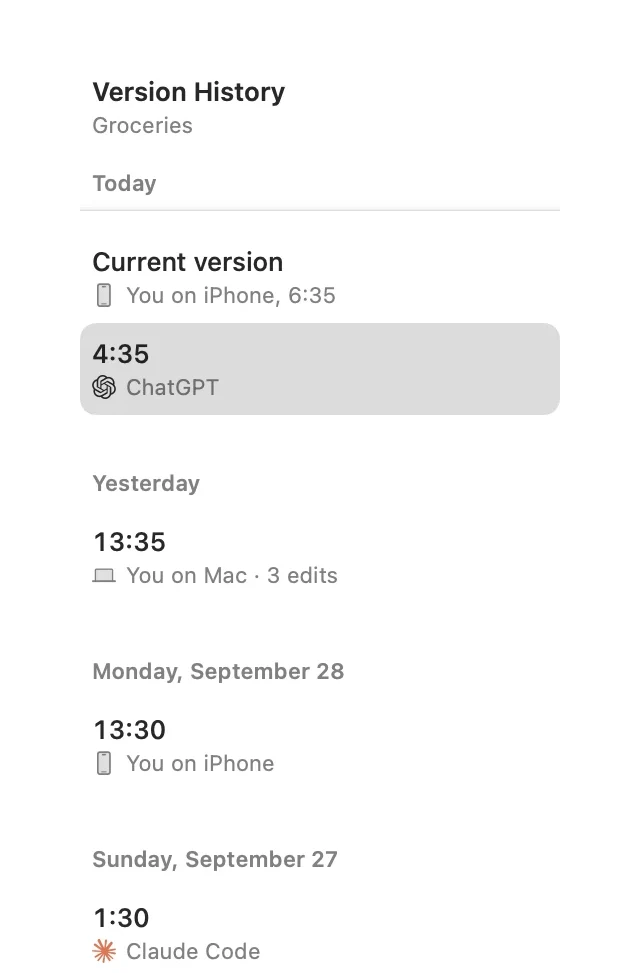
| Version history | No | Page history, longer on paid plans | Every version, including AI edits |
Sources: Notion's pages on offline pages, pricing and Notion MCP.
Where Apple Notes wins
- It opens instantly and gets out of the way. A grocery list, a door code or a quick idea takes seconds.
- It's on every Apple device already, syncs through iCloud, and works fully offline.
- Scanning documents, drawing, handwriting, locked notes and shared folders are built in.
Where Notion wins
- Databases: a reading list, a CRM or a project tracker with views, filters and properties.
- Pages inside pages, linked across a workspace, and real-time editing with a team.
- Windows and Android apps, and the web, so it goes wherever your team works.
Where AI fits
This is where they differ most. Notion has Notion AI inside, and an official MCP server, so ChatGPT and Claude can search and edit your workspace. Apple Notes has Writing Tools for the text in front of you, but no API, so no AI app can search your notes or save to them from the web or your phone. Apple Notes API: what exists explains why.
If you like how Apple Notes feels and want your AI to use your notes, that's the gap I built Amber Notes for. It works like Apple Notes, imports your Apple Notes on the Mac, and ChatGPT, Claude, Claude Code, Codex and Incredible can use it, with your approval and an Undo for every change. Amber Notes vs Apple Notes covers what it doesn't do yet.
Which to use
- Mostly quick personal notes: Apple Notes, or Amber Notes if you want AI in the loop.
- Team projects and databases: Notion.
- Both: plenty of people keep quick notes in one and projects in the other. Notes apps that work with ChatGPT compares the options if AI access is the deciding factor.
Questions
Is Notion better than Apple Notes?
For structured work, yes: databases, linked pages and a shared team workspace are things Apple Notes doesn't try to do. For quick everyday notes, Apple Notes is faster to open and write in, and it works fully offline.
Can ChatGPT or Claude use my Apple Notes like they can use Notion?
No. Notion has an MCP server that ChatGPT and Claude connect to; Apple Notes has no API, so they can't reach it from the web or your phone. Amber Notes works like Apple Notes and has an MCP server built in.
Checked against the app on .