Apple Notes vs Obsidian

Obsidian and Apple Notes sit at opposite ends: one hands you a folder of markdown files and endless plugins, the other hides everything and just works. Here's a fair look at where each one wins, and where AI fits in.
At a glance
| Apple Notes | Obsidian | Amber Notes | |
|---|---|---|---|
| Where notes live | In iCloud, in Apple's own format | Markdown files in a folder on your computer | In the cloud and on your devices, as markdown |
| Devices | Every Apple device, and iCloud.com in a browser | Mac, Windows, Linux, iPhone, Android | Mac now; iPhone coming soon |
| Sync | iCloud, free | Obsidian Sync (paid), or your own: iCloud Drive, Git | Built in, free |
| Price | Free | Free for personal and work use; Sync and Publish are paid | Free |
| Extend it | Shortcuts | Thousands of community plugins and themes | An MCP server for AI apps |
| AI apps can search and edit | No, apart from Mac-only community tools | Through community plugins, on your computer | Yes, from any device, with your approval |
| Open source | No | No (many plugins are) | Yes (MIT) |
Source for Obsidian's plans: obsidian.md/pricing.
Where Obsidian wins
- Your notes are files. Every note is a markdown file in a folder you choose. Any editor can open them, and they'll outlive any app.
- Plugins. Calendars, kanban boards, spaced repetition, queries across notes: someone has built it.
- Links between notes. Backlinks, a graph view and canvases for people who think in connections.
- Every platform, including Windows, Linux and Android.
Where Apple Notes wins
- Nothing to set up. It's already on your iPhone and Mac, syncing through iCloud.
- Speed for small things. A list, a code, a quick thought, from the lock screen or Control Center.
- Built in extras: scanning documents, drawing, locked notes and shared folders.
Where AI fits
Neither ships an MCP server of its own. With Obsidian, community plugins give Claude Desktop or Claude Code access to a vault on the same computer, and because the notes are files, a file-system server works too. With Apple Notes, community servers drive the Notes app on a Mac. Either way it stays on that computer: ChatGPT on the web and the phone apps can't reach it. Notes apps with an MCP server, compared covers the options in detail.
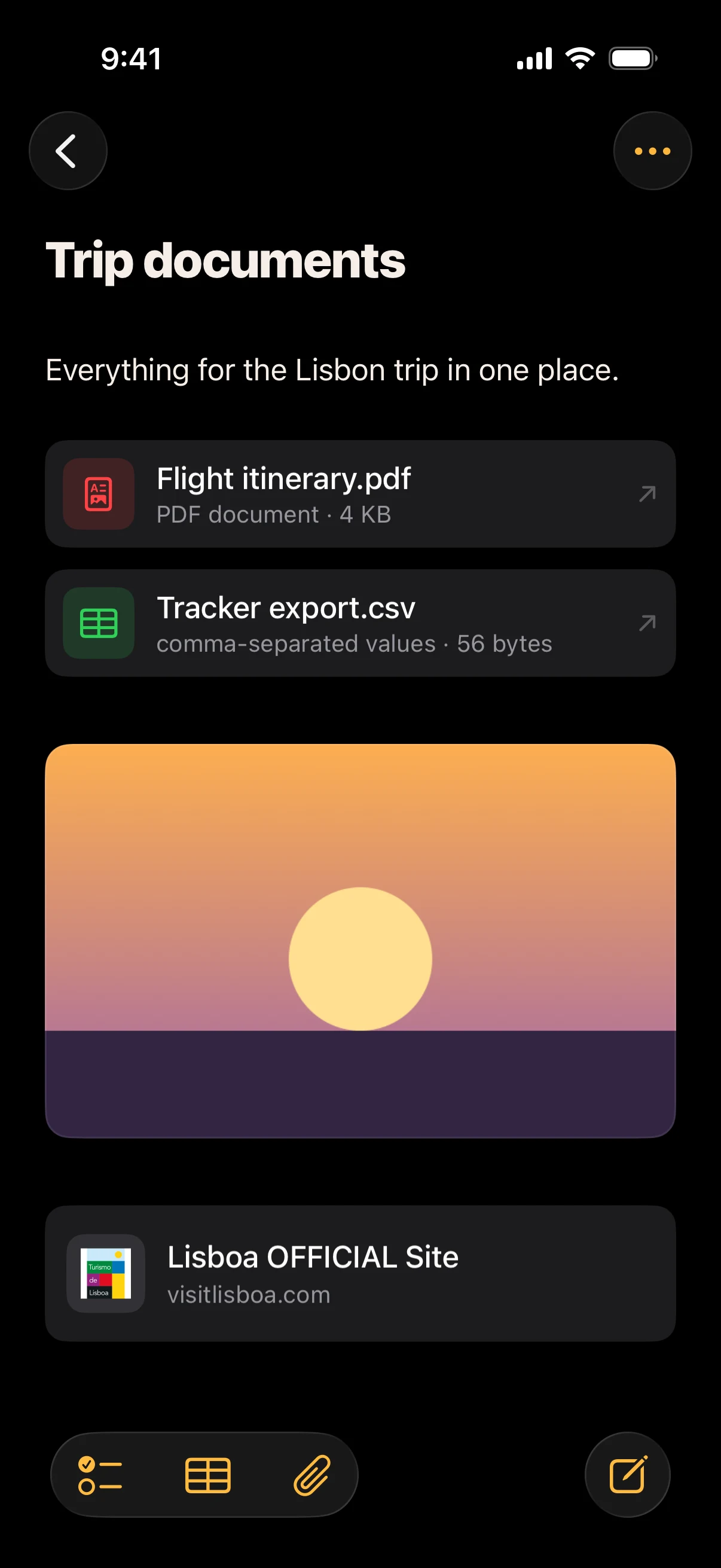
Amber Notes is my middle ground: it feels like Apple Notes, keeps every note as markdown underneath, and has an MCP server in the cloud, so ChatGPT, Claude, Claude Code, Codex and Incredible can use your notes from any device. It keeps files and photos in notes too, like the trip documents above. It doesn't have plugins, and it isn't a folder of files on your disk. Moving from Apple Notes is one import on your Mac.
Which to use
- You want to own plain files and tinker: Obsidian.
- You want notes that are simply there on your iPhone and Mac: Apple Notes.
- You want the Apple Notes feel, and your AI using your notes: Amber Notes. Apple Notes vs Notion covers the other popular choice.
Questions
Should I use Obsidian or Apple Notes?
Obsidian if you want your notes as plain files you own, links between notes and plugins for everything. Apple Notes if you want to open, write and close in seconds on every Apple device, with nothing to set up.
Can Obsidian sync with iPhone for free?
Yes, by keeping the vault in iCloud Drive, or with Git and a community plugin. Obsidian Sync is the paid option that handles it for you, with version history.
Checked against the app on .