How to use ChatGPT as a to-do list that syncs to your iPhone

My to-do list lives in a checklist note, and most items get there by me telling ChatGPT. The list is on my iPhone and Mac a second later, where I tick things off by hand. Here's the setup, the prompts that work, and how to share a list.
What you need
- Amber Notes, signed in: the Mac app now, the iPhone app once it's on the App Store.
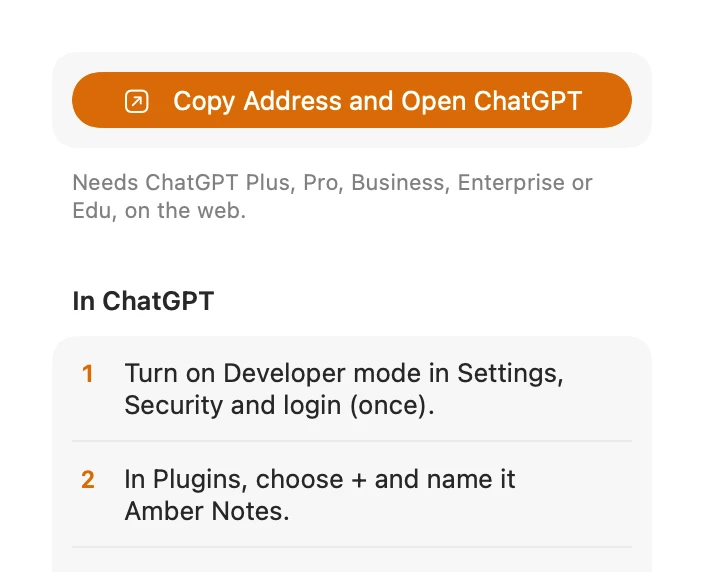
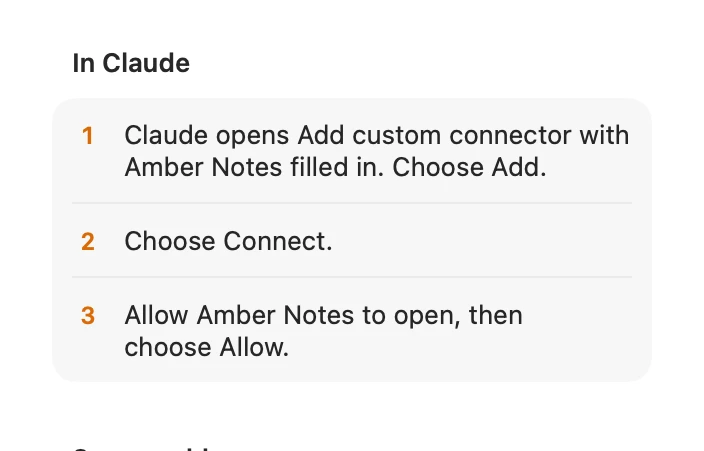
- ChatGPT connected to it. It takes a few minutes on the web, on Plus or higher: how to connect ChatGPT to your notes.
- A note called something like “To do”, with a checklist in it. In the app, the checklist button in the toolbar (or ⌘⇧L on a Mac) starts one. Or ask ChatGPT to create it.
Prompts that work
- “Create a note called To do with a checklist: renew passport, call the dentist, book the car service.”
- “Add ‘pick up the dry cleaning’ to my To do note.”
- “Tick off ‘call the dentist’ in To do.”
- “What's still open on my To do list?”
- “Plan Sunday's paella for eight and add what I need to Groceries.”
Behind these, ChatGPT uses the small tools Amber Notes gives it: append_to_note to add items, set_checklist_item to tick one by its text, and edit_note for a precise change. It doesn't rewrite the whole note, so the rest of your list stays as it was. The MCP server page lists every tool.
On your iPhone
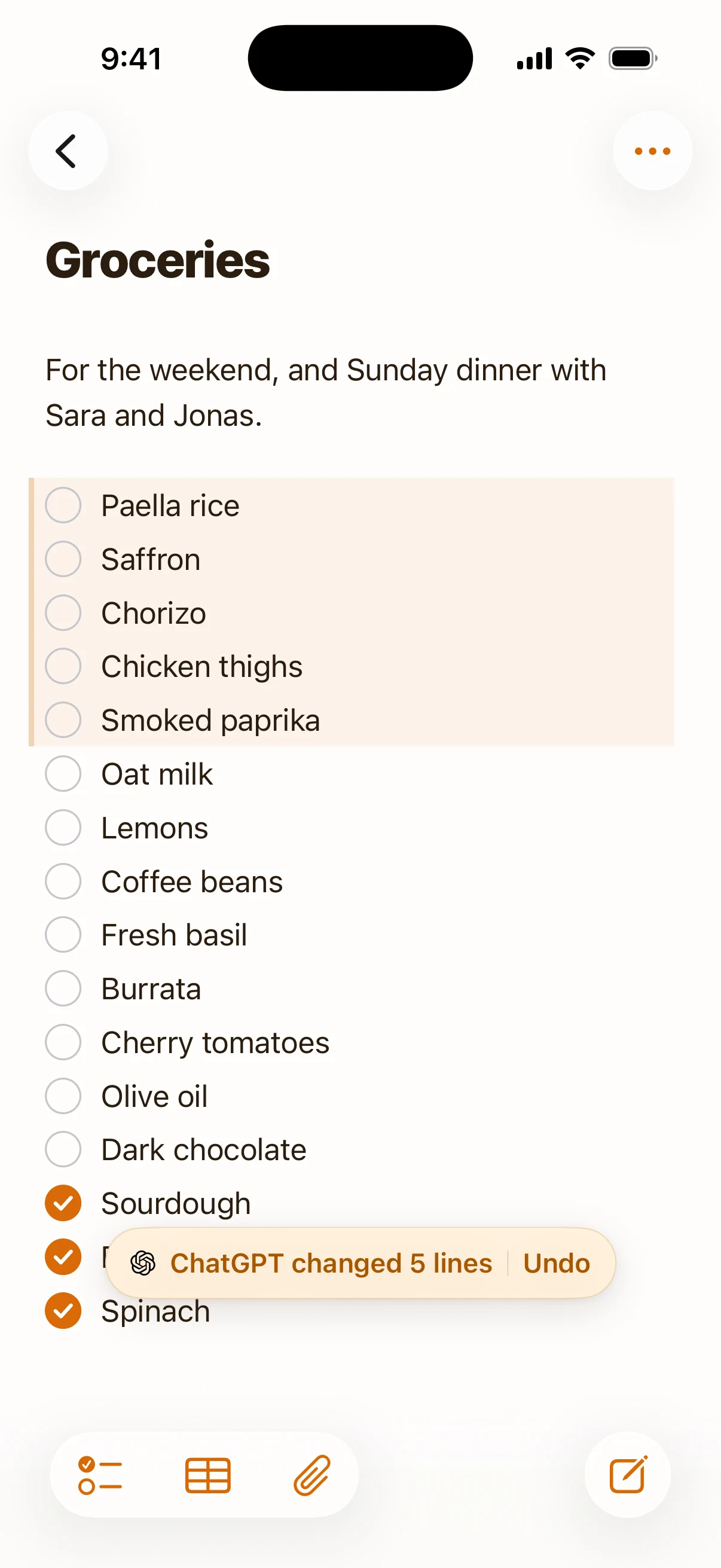
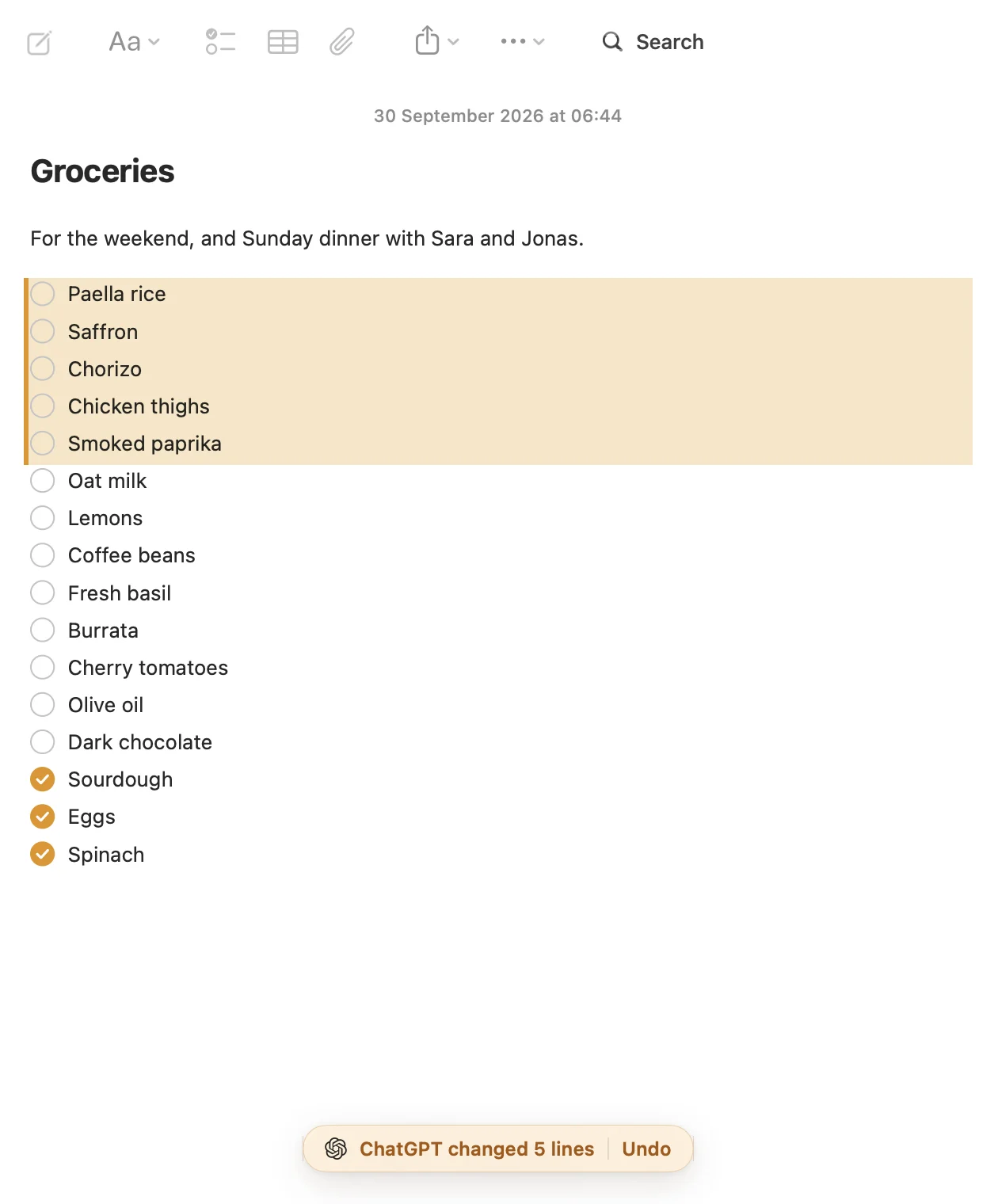
The list syncs between iPhone and Mac in about a second. The items ChatGPT just added are tinted, with “ChatGPT changed 5 lines” and an Undo at the bottom. When you tick an item in the app, it moves below the open ones.
Sharing a list
- Send someone the list: open the note and choose Share, then Share Link. Anyone with the link can read it as a web page. Stop Sharing takes it down.
- Save something into your notes from another app: on iPhone, share text, a link, a photo or a PDF to Amber Notes from the share sheet, and it's saved as a new note ChatGPT can find later.
Other assistants
The same list works with Claude, Claude Code, Codex and Incredible. Claude Code is handy for work to-dos: keep a work log with Claude Code shows how. If you're coming from Apple Notes, import your notes first; ChatGPT can't reach lists that stay in Apple Notes.
Questions
Can ChatGPT keep a to-do list?
Not one you can tick off outside the chat. Connected to a notes app with an MCP server, like Amber Notes, it can add to a checklist note, tick items and tidy the list, and you see the result in the notes app on your phone and Mac.
Does it work from the ChatGPT app on my iPhone?
Yes. You add Amber Notes once in ChatGPT on the web; after that it's available in the ChatGPT phone apps too. The Amber Notes iPhone app, where you see and tick the list, is coming soon to the App Store; the Mac app is out now.
What if ChatGPT gets it wrong?
Every change keeps the previous version, and Amber Notes shows what ChatGPT changed with an Undo, so a wrong edit is one tap to put back.
Checked against the app on .