Apple Notes MCP servers compared (2026)

Search for an Apple Notes MCP server and you get a list of GitHub repositories. I went through the main ones in September 2026 and checked each against its own README. Here's what each can do, how to set up the best one in Claude, and the limits they all share. I make Amber Notes, which is a different answer to the same question, so weigh that part with that in mind.
What an Apple Notes MCP server is
MCP (Model Context Protocol) is an open standard for connecting AI apps to other apps. An MCP server gives an AI app tools such as “search notes” or “create a note”, and the AI calls them when you ask.
Apple doesn't make an MCP server for Notes, and Apple Notes has no public API (what exists instead). So every Apple Notes MCP server is a community project that runs on your Mac and gets to your notes in one of two ways:
- Through the Notes app, with AppleScript or JavaScript for Automation. This can read and write, and macOS asks you to allow it.
- By reading the Notes database on your Mac. This is read only, and needs Full Disk Access.
The Claude desktop app also has an Apple Notes extension of its own, which the Claude and Apple Notes guide covers.
The servers compared
| Server | How it reaches Notes | What the AI can do | Setup | AI apps | Status |
|---|---|---|---|---|---|
| sweetrb/apple-notes-mcp | AppleScript, plus Apple Shortcuts and read-only reads of the Notes database | Search, read, create, update, move and delete notes; folders, tags, tables, pins, attachments; export to Markdown, HTML or JSON | One command with npx; a plugin for Claude Code and Codex | Claude Code, Claude Desktop, Codex and other MCP apps on the same Mac | Maintained; version 2.9.32 on 29 September 2026; MIT |
| RafalWilinski/mcp-apple-notes | JavaScript for Automation, plus a search index it builds on your Mac | Search by meaning and by text, read, list and create notes | Clone it, install Bun, edit the Claude Desktop config, then ask Claude to index your notes | Claude Desktop | Last changed December 2024; no license listed |
| sirmews/apple-notes-mcp | Reads the Notes database | List, read and search notes; can't create or edit | Install with uvx, edit the Claude Desktop config, grant Full Disk Access | Claude Desktop | Archived; last changed December 2024; MIT |
| supermemoryai/apple-mcp | AppleScript; also covers Messages, Mail, Contacts, Reminders, Calendar and Maps | Search, list and create notes | A one-click desktop extension for Claude Desktop, or an install command | Claude Desktop, Cursor | Archived; last changed August 2025; MIT |
sweetrb/apple-notes-mcp
The one to use today. It has the most tools by far, is updated every few days, and is careful with your notes: an update is checked against the version the AI read, so it won't overwrite a change made since, and deleted notes go to Recently Deleted. It works without Full Disk Access; with it, you also get queries across your library, checklist state and tables. Real checklists, tags and pins go through Apple Shortcuts it asks you to add once, because AppleScript can't do those.
RafalWilinski/mcp-apple-notes
The interesting idea here is search by meaning: it builds a local index of your notes with a small on-device model, so you can ask for notes about a topic without the exact words. It hasn't changed since December 2024, and it can't edit or organize notes.
sirmews/apple-notes-mcp
A read-only server that reads the Notes database. It's archived, so it gets no fixes. One thing to watch: it's published as apple-notes-mcp for Python, while sweetrb's server has the same name for Node.js, so uvx apple-notes-mcp and npx apple-notes-mcp install two different projects.
supermemoryai/apple-mcp
A popular all-in-one server for Apple's apps, where Notes is one tool among many. It can search, list and create notes, but not edit them. It's archived.
Set it up in Claude Code
You need macOS, Node.js 20 or later, and at least one account in the Notes app. Then run:
claude mcp add apple-notes -s user -- npx -y apple-notes-mcp- Start Claude Code and ask it to find a note.
- The first time, macOS asks for permission to control Notes. Choose OK.
- For checklists, tags, tables and pins, run
npx -y apple-notes-mcp setupand add the Shortcuts it opens. Then run each one once in the Shortcuts app and choose Always Allow, as its README explains.
You can also install it as a Claude Code plugin, which adds a skill that tells Claude when to use it: run /plugin marketplace add sweetrb/apple-notes-mcp, then /plugin install apple-notes.
Set it up in Claude Desktop
- Install Node.js 20 or later.
- Open
claude_desktop_config.jsonin~/Library/Application Support/Claude/. In Claude Desktop, Settings, then Developer, then Edit Config takes you there. - Add the server and save:
{
  "mcpServers": {
    "apple-notes": {
      "command": "npx",
      "args": ["-y", "apple-notes-mcp"]
    }
  }
}- Quit Claude Desktop completely and open it again.
- Ask Claude about a note. When macOS asks for permission to control Notes, choose OK.
If you want the tools that need Full Disk Access, the README says to grant it to the Node.js program that runs the server, not to Claude itself.
The limits they all share
- Mac only, and the Mac must be on. The server runs on your Mac, and the AI app has to run on the same Mac. If it's asleep or closed, nothing can reach your notes.
- Not from ChatGPT, the web or your phone. ChatGPT, claude.ai and the Claude and ChatGPT apps on iPhone connect only to servers on the internet, so none of them can use a server on your Mac.
- Permissions. macOS asks you to allow Automation for Notes. Servers that read the database also need Full Disk Access, which lets that program read far more than your notes.
- Locked notes are out of reach. None of them can read or change a note locked with a password.
- Attachments and checklists are partial. Only sweetrb's server handles attachments; the others work with note text. AppleScript can't make real checklists or tick an item, so even the best server can add checklist items through Shortcuts but can't check one off.
- No undo for edits. Apple Notes keeps no version history, so if an AI rewrites a note badly, there's no earlier version to go back to.
If you want your notes from anywhere
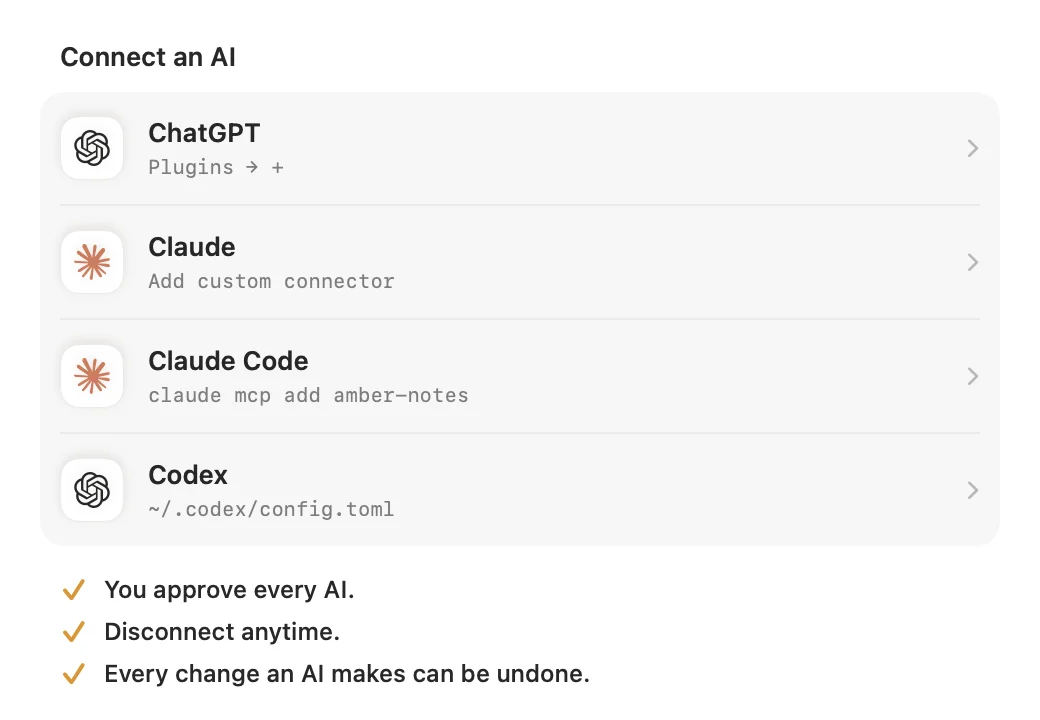
If those limits are fine for you, use sweetrb's server. If you want to use your notes from ChatGPT, or from Claude on your phone, the notes have to live somewhere with a server on the internet. That's why I built Amber Notes: a free, open-source notes app for iPhone and Mac that works like Apple Notes and has an MCP server built in, at https://mcp.ambernotes.app.
- It works from ChatGPT, Claude on the web, desktop and iPhone, Claude Code, Codex and Incredible, and your Mac doesn't need to be on.
- You approve each AI app in Amber Notes and choose Read Only, or Read and Edit.
- An AI can search, read, create and edit notes, tick checklist items, move and pin notes, and manage folders.
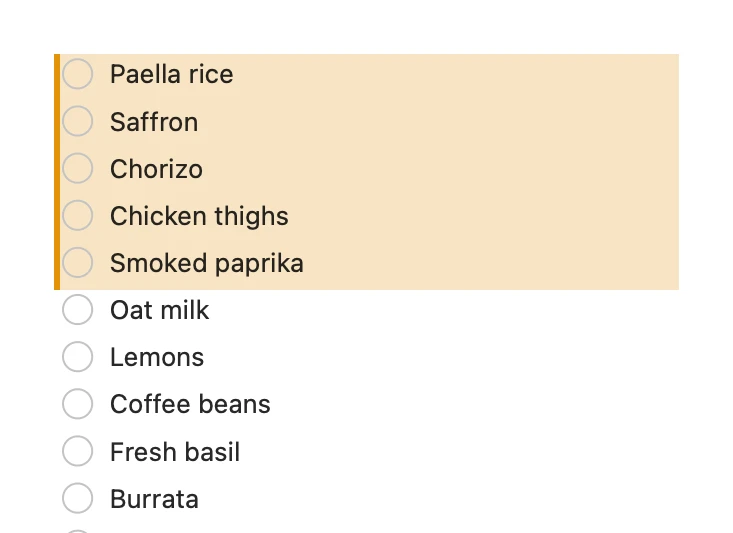
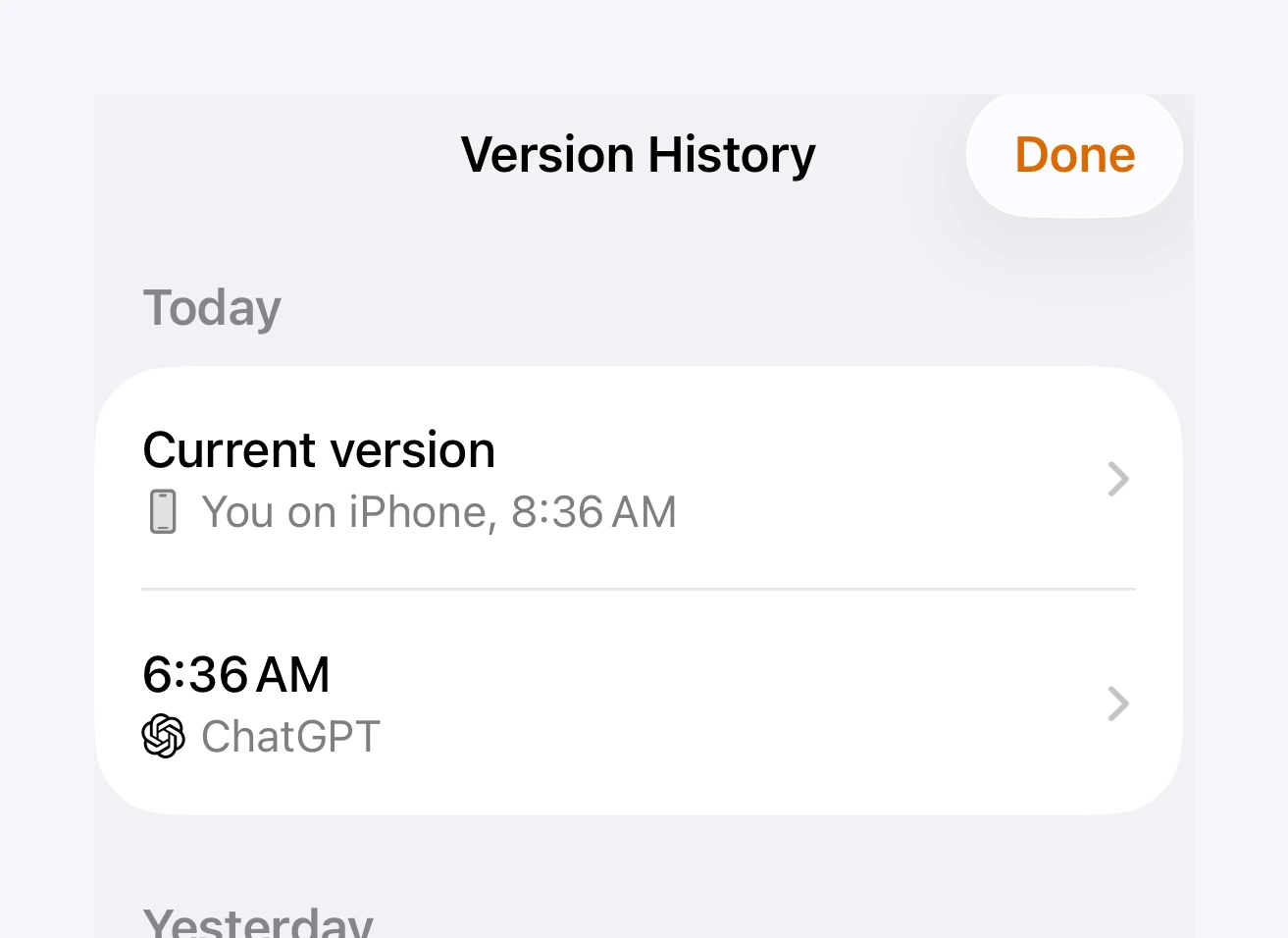
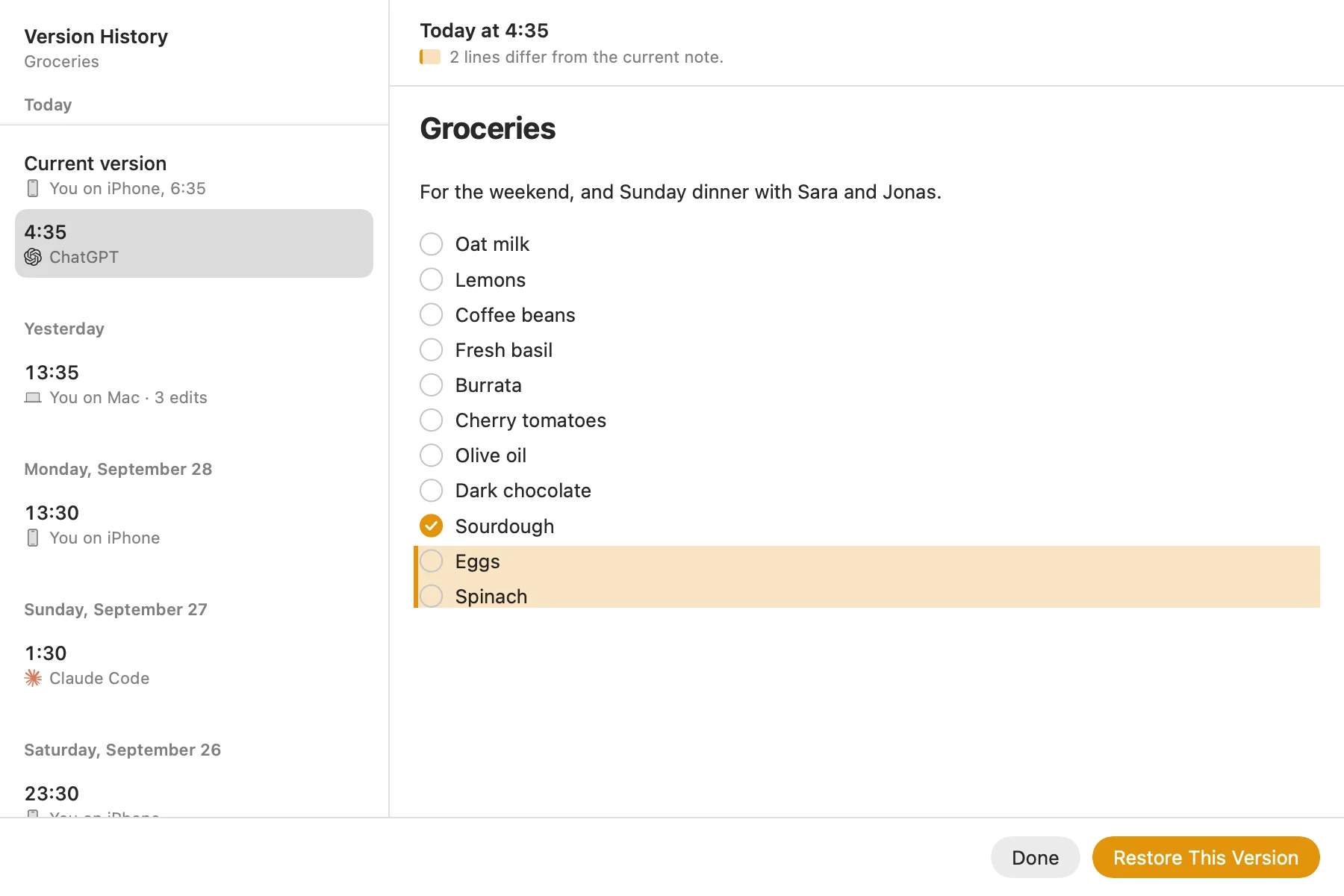
- When an AI changes a note, you see what changed, with Undo, and the previous version stays in the note's history.
You bring your Apple Notes over once, on your Mac, with their folders, checklists and tables. Locked notes and attachments stay in Apple Notes, and Apple Notes itself isn't changed. The catch is that you then write in Amber Notes instead of Apple Notes. The Mac app is out now; the iPhone app is coming soon to the App Store.
How to move from Apple Notes walks through the import. The MCP server page lists every tool, and using your notes from Claude Code and Codex covers the coding agents. For the other notes apps with a server of their own, see notes apps with an MCP server, compared.
Questions
Is there an official Apple Notes MCP server?
No. Apple doesn't make one, and Apple Notes has no public API. Every Apple Notes MCP server is a community project that runs on your Mac and reaches your notes through the Notes app or its database.
Which Apple Notes MCP server is the best?
In September 2026, sweetrb/apple-notes-mcp. Of the four compared here it's the only one still maintained, and the only one that can edit, move, organize and export notes.
Can ChatGPT use an Apple Notes MCP server?
No. ChatGPT connects to MCP servers on the internet, and an Apple Notes MCP server is a program on your Mac. The same goes for claude.ai and the Claude and ChatGPT apps on iPhone.
Can an Apple Notes MCP server read locked notes?
No. Notes you've locked with a password can't be read or changed by any of these servers.
Checked against the app on .