Connect your notes to Gemini with MCP

Gemini can use your notes through MCP, the same standard ChatGPT and Claude use. The reliable way today is Gemini CLI, which takes one command. The Gemini app can add MCP servers too, with more strings attached. Here are both, and what I could and couldn't check.
Gemini CLI: one command
Gemini CLI is Google's open-source agent for the terminal. It connects to MCP servers, including remote ones that sign in with OAuth, which is how Amber Notes works. I've checked this path end to end.
- Install the Amber Notes extension:
gemini extensions install https://github.com/emilwagman/amber-notes - Start Gemini CLI and run
/mcp auth amber-notes. Your browser opens ambernotes.app to sign in. - The page shows a two-digit number. Amber Notes on your iPhone or Mac asks whether to allow the app: type the number, choose Read Only or Read and Edit, and choose Allow.
- Back in Gemini CLI, run
/mcpto see amber-notes connected with its tools, then ask: “Search my Amber Notes for the standup and summarise this week.”
Rather not install an extension? Add the server yourself, for every project: gemini mcp add --scope user --transport http amber-notes https://mcp.ambernotes.app, then sign in with /mcp auth amber-notes the same way. Gemini CLI finds the sign-in details from the server on its own. Google documents both commands in MCP servers with Gemini CLI.
The Gemini app: custom apps (not yet tested)
The Gemini app on the web can add an MCP server as a custom app. I couldn't test this with Amber Notes: it needs an account that meets Google's conditions, and I haven't had one. So treat these steps as what Google's documentation says, not something I've seen work.
Google lists these conditions in Connect & manage custom apps:
- a personal Google Account (not work or school), and age 18 or over, in the US
- Keep Activity turned on, and the app in English
- set up on gemini.google.com on a computer; after that, Google says it works on mobile too
Some third-party guides also say it needs a Google AI Pro or Ultra plan. Google's page, as I read it, doesn't say, so check what your account offers.
- On gemini.google.com, open Settings, then Connected Apps.
- Under Custom apps, choose Add a custom app.
- Enter
https://mcp.ambernotes.app. Amber Notes supports dynamic client registration, so the Advanced features credentials shouldn't be needed. - Choose Next and follow the prompts. When ambernotes.app opens, sign in and approve on your iPhone or Mac as above.
If you try it, I'd like to hear how it goes. Amber Notes names ChatGPT and Claude on the approval sheet; any other app, Gemini included, is shown with a warning that Amber Notes doesn't recognize it, so check that you just started connecting it yourself.
What Gemini can do with your notes
- Search and read notes, with Read Only.
- With Read and Edit: create notes, append to one, tick checklist items and add table rows. Each change shows up tinted in Amber Notes with an Undo, and the previous version is kept.
- Locked notes stay out of reach: Gemini sees only their titles.
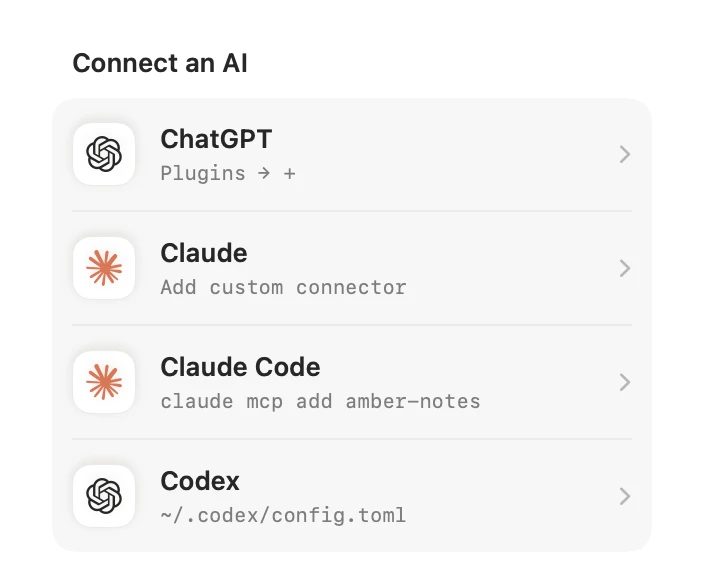
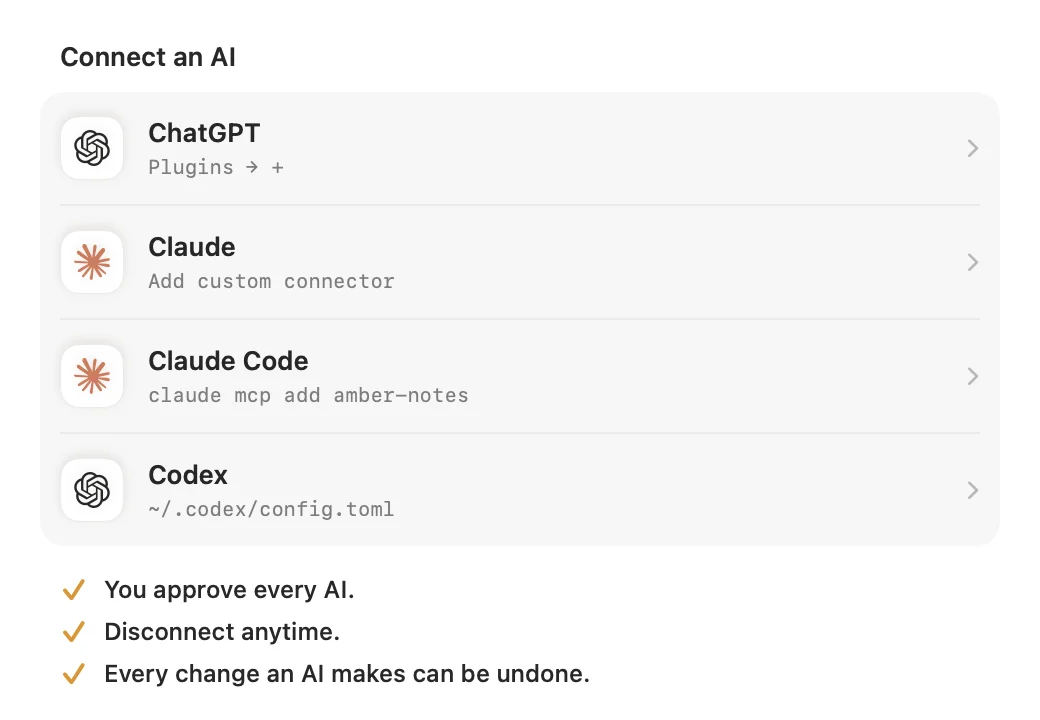
The Amber Notes MCP server page lists every tool. For the other assistants, see connect ChatGPT or Claude and Claude Code and Codex. Notes apps with an MCP server compares the options.
Questions
Does Gemini support MCP?
Yes, in two places. Gemini CLI, Google's command-line agent, connects to MCP servers you add to its settings, including remote ones that sign in with OAuth. The Gemini app on the web lets you add a custom app by its MCP server address, with limits: Google lists a personal account, the US, age 18 or over, Keep Activity on, and English.
Can I use my notes in Gemini on my phone?
Google says a custom app you add on gemini.google.com can then be used in the Gemini app on your phone as well. I haven't been able to test that with Amber Notes yet.
Is it safe to give Gemini my notes?
You approve Gemini in Amber Notes on your iPhone or Mac and can choose Read Only. Every change it makes keeps the previous version, and you can disconnect it at any time. Google's own page warns that it doesn't control or secure third-party MCP servers, so connect only ones you trust.
Checked against the app on .