One memory for Claude Code, Codex and your other agents

Someone found Amber Notes this week looking for one thing: a memory that Claude Code, Codex and their other agents all share, and that they can read too. This is the setup I'd suggest, checked against the app and the server.
Why agents need a shared memory
Every session starts from nothing. CLAUDE.md and AGENTS.md help, but they're files in one repository on one computer, Claude Code reads one and Codex reads the other, and neither agent writes to them unless you ask. So when you and Claude Code decide in the morning that cache keys include the locale, Codex doesn't know it in the afternoon, and you explain it again.
A note works better as the memory. Both agents can read and write it through the same MCP server, from any computer, and you can read it in the app on your Mac (the iPhone app is on its way to the App Store) without opening a repository. It's plain text, so when an agent writes down something wrong, you fix the line yourself.
Connect both agents to the same account
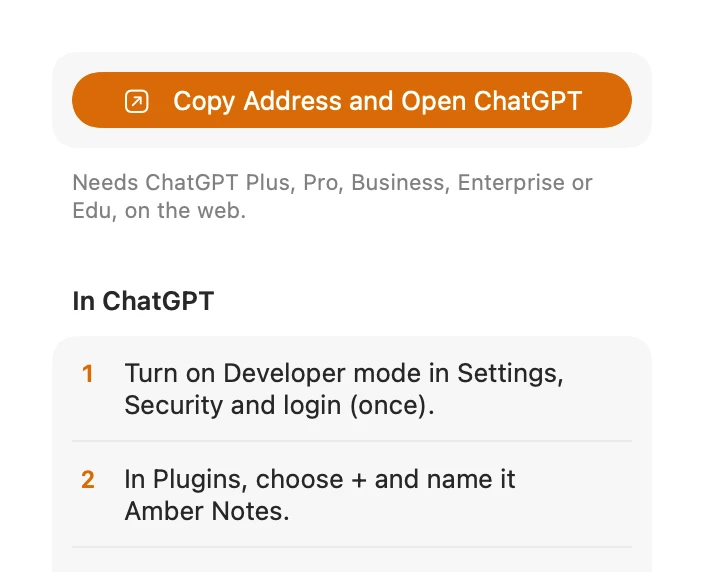
Use your notes from Claude Code and Codex has every way to connect them. For a shared memory I'd use an access token for each, made in the app:
- In Amber Notes on your Mac, open Settings and, under Connect an AI, choose Claude Code. Choose Add to Claude Code if your copy shows it, or Create Access Token and run the command it shows.
- Go back to Connect an AI and choose Codex. Choose Create Access Token and copy the lines it shows into
~/.codex/config.toml.
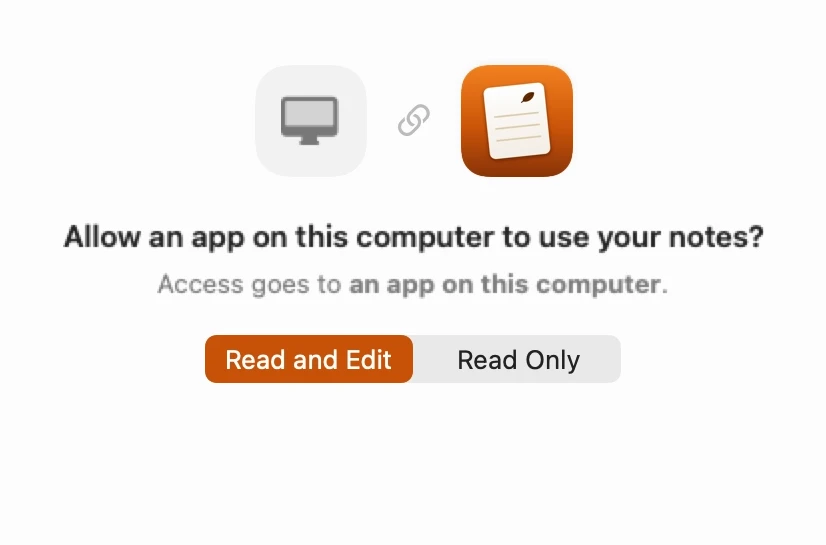
The reason for tokens is the name. A token is named after the agent you made it for, and that name goes on every edit. Codex and the Claude Code plugin can also sign in through the browser, which works fine, but a sign-in from a terminal is listed as “An app on this computer”, because Amber Notes can't prove which program is on the other end. With two agents signed in that way, their edits look the same.
If one agent should only look things up, a reviewer for example, turn on Read only before you create its token. Each connection is listed in Settings under Connected, with when it was last used, and you can disconnect one without touching the other.
One note they read first
Keep one note per project, called Project memory and the project's name, with three headings. Pin it: get_overview lists pinned notes, so an agent that starts there sees it straight away.
# Project memory: Atlas

## Decisions
- 2026-10-06: Cache keys include the
  locale. German and English pages were
  sharing one entry.

## Conventions
- Run pnpm test before saying a task is done.
- New endpoints get a test in the same
  pull request.

## Handoff log
- 2026-10-06 Claude Code: moved the import
  to a background job. Next: retry when
  the provider answers 429.
Decisions hold what was chosen and why, so nobody argues it again. Conventions are the rules you'd otherwise repeat in every session. The handoff log is where an agent says what it did and what's left, so the next one, or you after lunch, can pick it up.
Then tell both agents to use it. Put the same lines in CLAUDE.md for Claude Code and AGENTS.md for Codex:
## Memory
- Before a task, read the note
  "Project memory: Atlas" in Amber Notes.
- When we decide something, add it under
  Decisions with append_to_note: the date,
  the decision and one line on why.
- When you finish or stop, add one line
  under Handoff log with append_to_note:
  the date, your name, what changed and
  what's next.
- Never rewrite the note. To correct a
  line, use edit_note on that line only.
The last rule is there because of the second agent. append_to_note adds text under the heading you name, to whatever the note holds at that moment; the server locks the note for each change, so two agents adding a line at the same time both get theirs in. A full rewrite would send back the agent's own copy of the note and could drop what the other one added a minute earlier. edit_note changes only the text it matches, and with the version from read_note it refuses to edit a note that changed since it was read.
If the memory outgrows one note, give it a folder per project and a note per topic. The decision log template is a good start for the Decisions part, and keep a work log with Claude Code covers a daily log next to it.
See which AI changed what
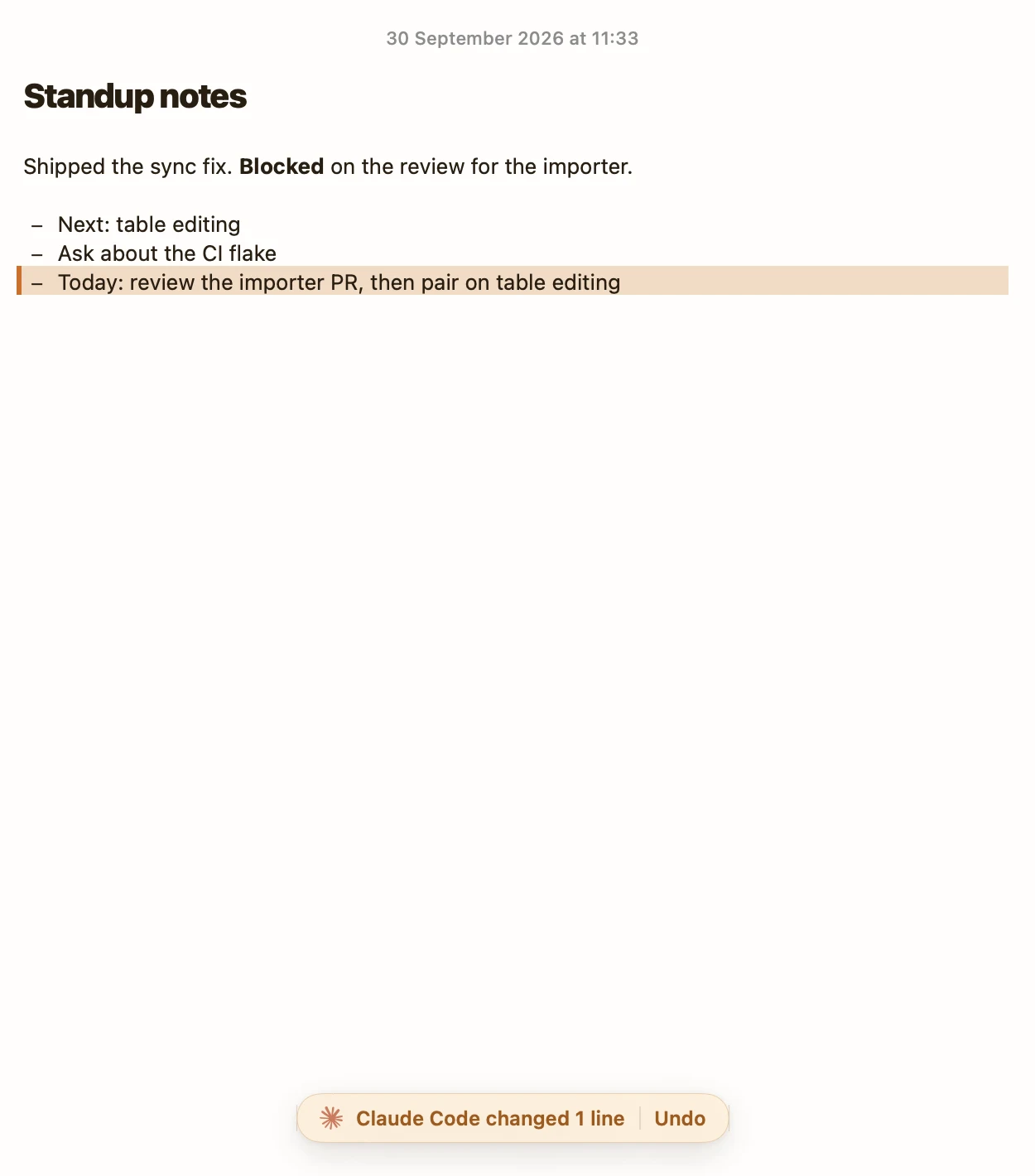
In the note list, a note an agent changed says Edited by Claude Code or Edited by Codex. Open it and the lines that agent added or changed are tinted, with a bar that says, for example, Codex changed 2 lines, and an Undo button. If you've typed in the note since, Undo takes out only the agent's change and keeps yours, unless you changed the same lines.
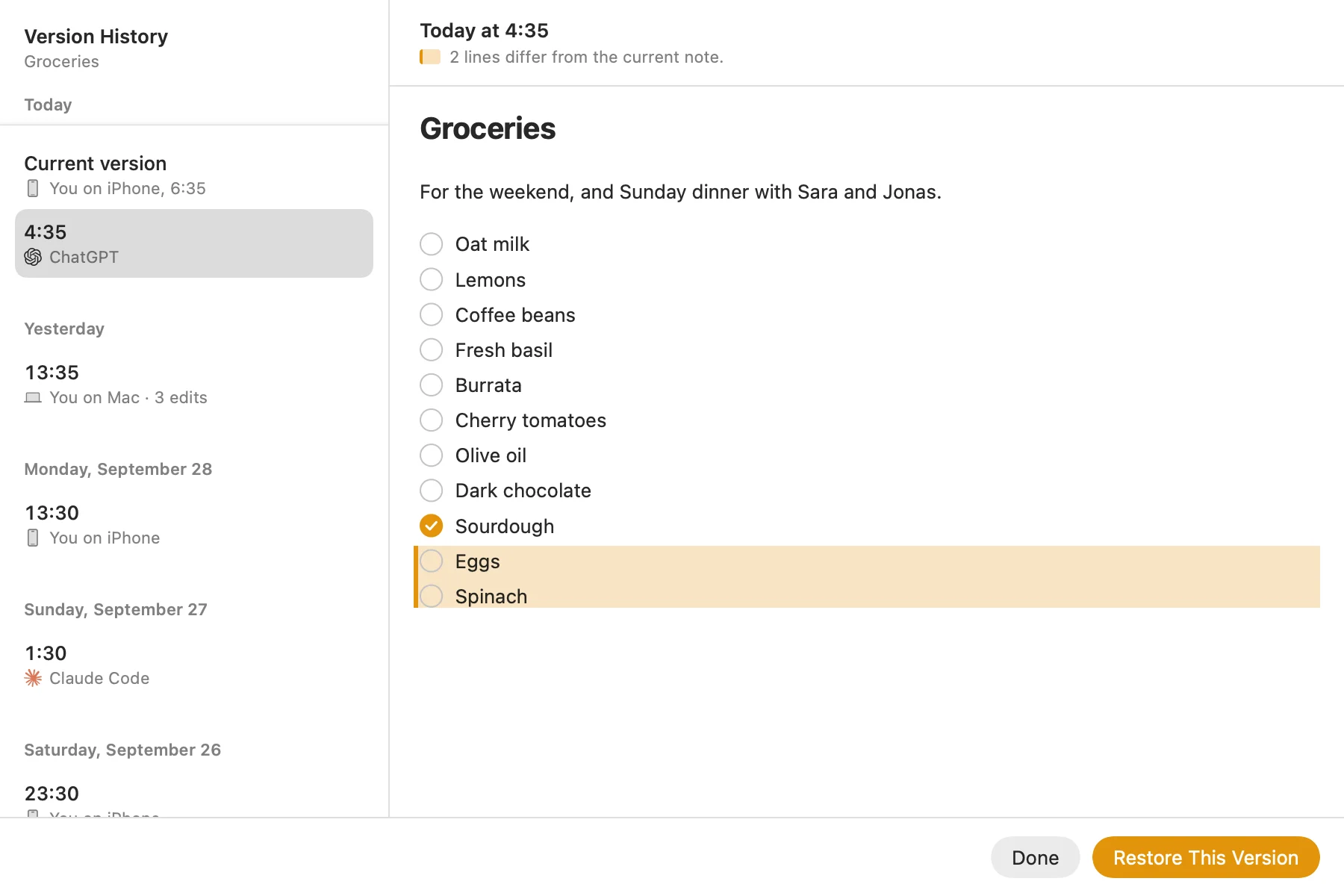
That covers the latest edit. For older ones, choose File, then Show Version History: every version is kept, each with who made it, you or an agent by name, and Restore This Version puts one back. Agents can see the same thing with note_history, so Codex can check whether it was Claude Code that wrote a line before it changes it.
What the encryption covers
Notes are end-to-end encrypted on your Mac, with a key iCloud Keychain carries between your devices, so Amber Notes can't read them at rest. The exception is while an agent works: when an agent you approved makes a request, our server opens the notes it asks for in memory to answer it, and forgets the key when the request ends. Locked notes stay out of reach even then; an agent sees only their titles. An encrypted notes app that ChatGPT and Claude can use explains how that works.
So keep secrets out of the memory note. Any agent you connected can read it, and an API key in a note is an API key in every agent's context. Put the key in your environment and write down where it lives.
Other agents
The memory isn't tied to Claude Code and Codex. Anything that speaks MCP can use the same note at https://mcp.ambernotes.app, including Gemini CLI (one command) and Claude or ChatGPT in the browser (connect them here). For what an agent needs from a notes app in general, see the best notes app for AI agents.
Questions
Can Claude Code and Codex share the same memory?
Yes, if both can reach the same place. Connect both to one Amber Notes account, keep a Project memory note, and tell each agent in CLAUDE.md or AGENTS.md to read it at the start of a task and add to it when something is decided. Both read and write the same note, from any computer.
How do I see which agent changed my notes?
Give each agent its own access token from Settings, Connect an AI, and its edits carry its name: Edited by Claude Code or Edited by Codex in the note list, the changed lines tinted with Undo in the note, and the name on every version in the note's history.
Can Amber Notes read my agents' memory?
Not at rest: notes are end-to-end encrypted on your devices. While an agent you approved is working, our server opens the notes it asks for in memory to answer it, and forgets the key when the request ends. Locked notes stay out of reach even then.
Checked against the app on .